Stop Exposing Your MikroTik: Standardize Management Access with Access Policy
A RouterOS device connected to the internet should never expose its management interfaces to the public web. Yet, across many networks, services like Winbox, SSH, HTTP, or API remain open—either left on default settings, forgotten after deployment, or lacking a unified security policy.
This creates an unnecessary attack surface, making your infrastructure an easy target for global scanners.
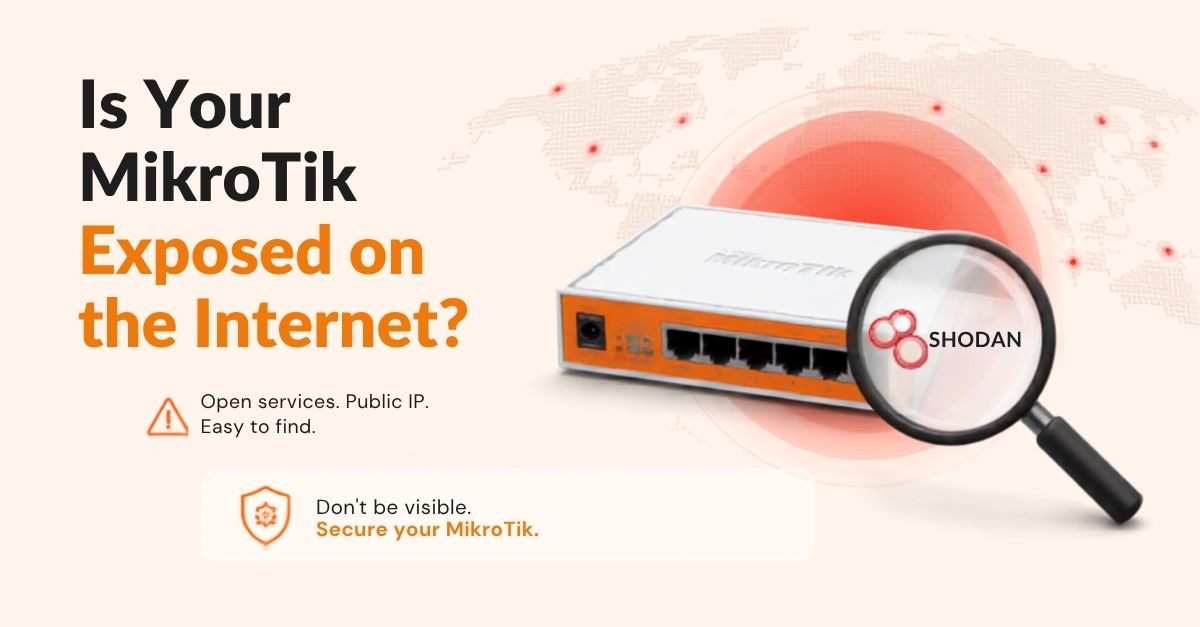
🔎 The Shodan Risk: Open Services, Public IP, Easy to Find
Shodan constantly indexes internet-connected devices. If your router has a public IP with management ports open to 0.0.0.0/0, it will be indexed. Instead of asking “Is my router on Shodan?”, the real question is: “Why is a management port accessible from the public internet in the first place?”
🔐 The Scale Problem: Configuration Drift
Managing a single router is straightforward. Managing dozens or hundreds across different sites with multiple admins leads to configuration drift:
- Winbox or HTTP left enabled on random routers
- Custom non-standard ports scattered across sites
- Outdated firewall rules left active indefinitely
🛡️ The Solution: Centralized Access Policy
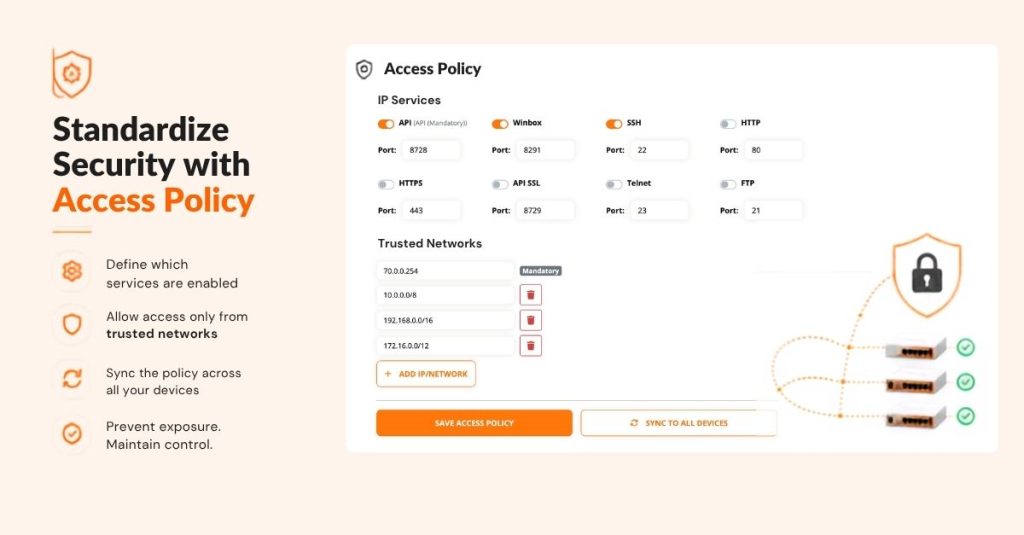
With MikroTik SD-WAN Access Policy, you move from manual per-router management to a unified security baseline.
1. Granular IP Service Control
Toggle management services—such as API, Winbox, SSH, HTTPS, Telnet, or FTP—on or off instantly across your fleet. Keep only what you strictly need; turn off the rest.
2. Enforce Trusted Networks
Shift your security stance from “Is Winbox open?” to “Who is allowed to talk to Winbox?”. Define specific allowed CIDRs (management subnets, internal VPNs, or administrator IPs) so unauthorized sources are dropped before they ever reach a login prompt.
⚡ Define Once. Synchronize Everywhere.
Instead of manually logging into every device, configure your standard Access Policy once in the platform and sync it across your entire infrastructure in a single click. When your security requirements change, update the baseline centrally to keep all nodes aligned.
Take Control of Your Fleet
Security isn’t about adding complex firewall chains to every node—it’s about reducing unnecessary exposure through standardization.
- 🔐 Reduce Attack Surface by disabling unused management protocols.
- 🌐 Restrict Access strictly to authorized IP subnets.
- 🔄 Sync Baseline Policies instantly across all deployed routers.
Stop exposing what you don’t need. Secure and standardize your MikroTik management with MikroTik SD-WAN.
#MikroTik #MikroTikSDWAN #NetworkSecurity #CyberSecurity #Shodan #RouterOS #SDWAN #MSP #NetworkEngineer #SysAdmin #ZeroTrust