
Tabela de conteúdos (Índice)
Migration: Content Filter 1.0 → 2.0 #
The new Content Filter 2.0 brings improved performance, better detection, and a more efficient filtering engine. To migrate from version 1.0 to 2.0, simply follow the steps below:
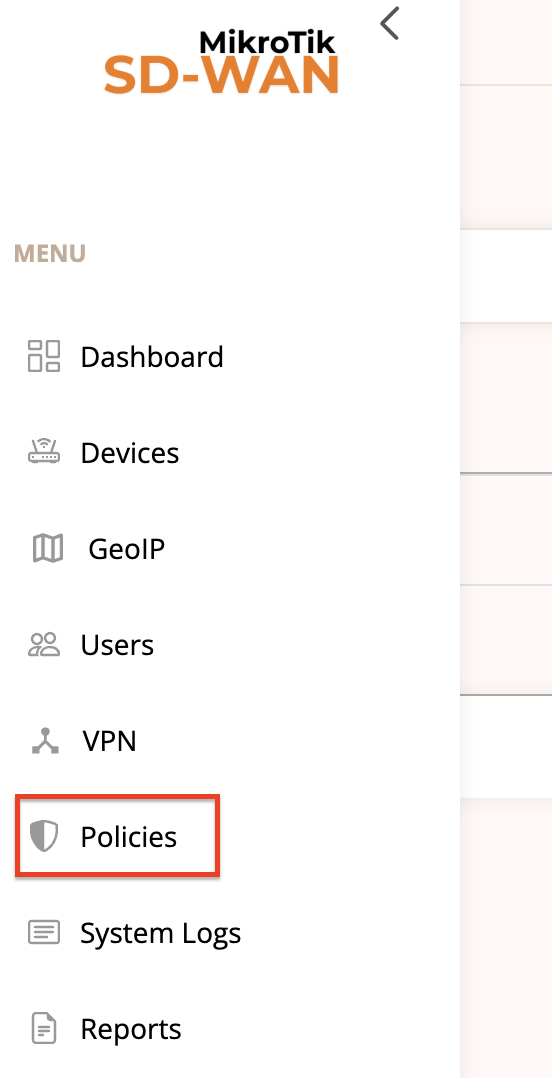
1️⃣ Open the Policies menu #
2️⃣ Click on the Information icon #

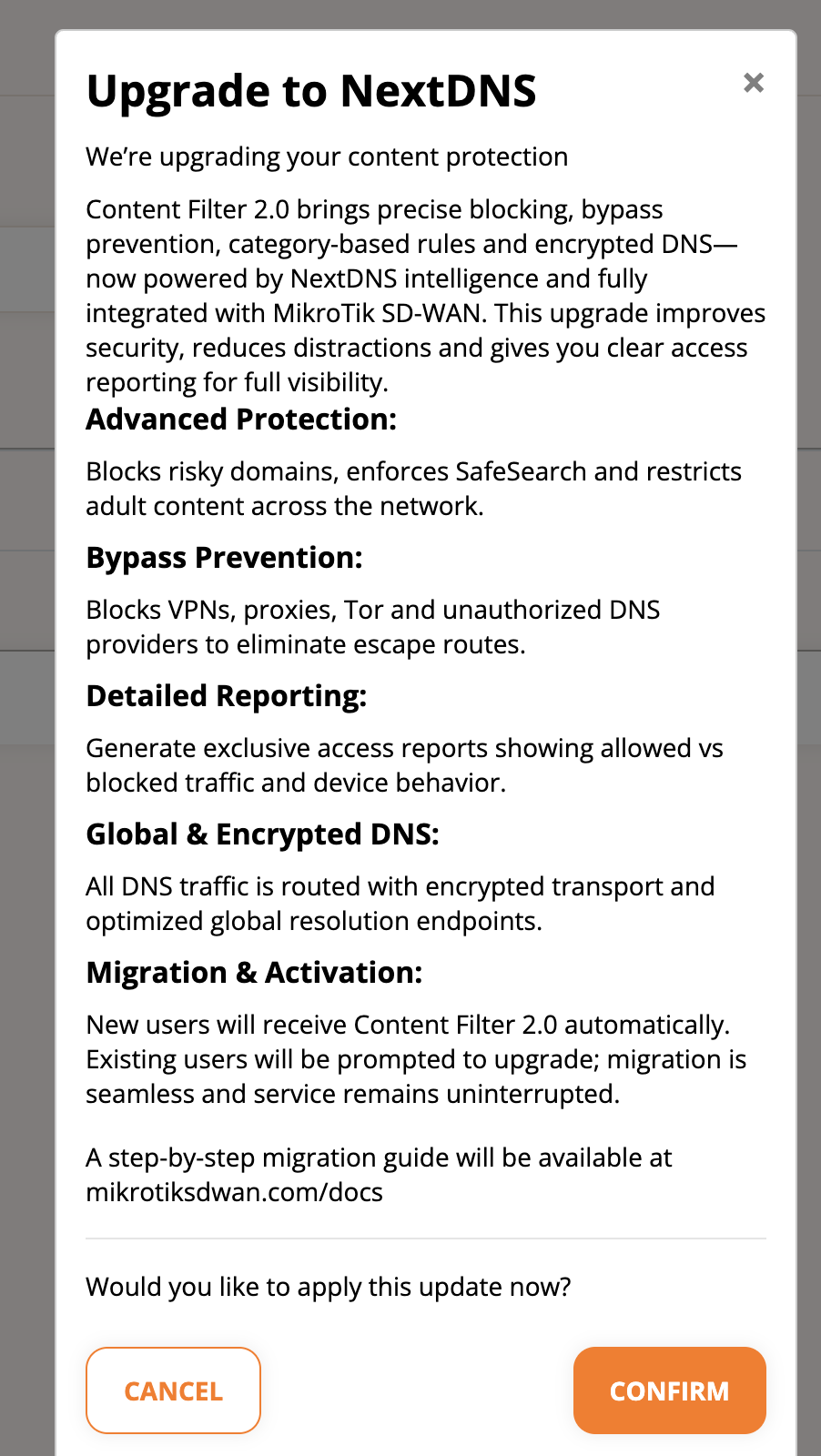
3️⃣ A pop-up will open explaining the changes #
After reading the explanation, simply confirm to enable Content Filter 2.0.
⚠️ Important: This action is immediate. Once confirmed, devices will start using Content Filter 2.0 automatically.
If you migrated before 09/12/2025, you may need to manually enable this feature. A full tutorial is available in our documentation: mikrotiksdwan.com/docs


